AI Fundamentals
Rethink how you work with Claude
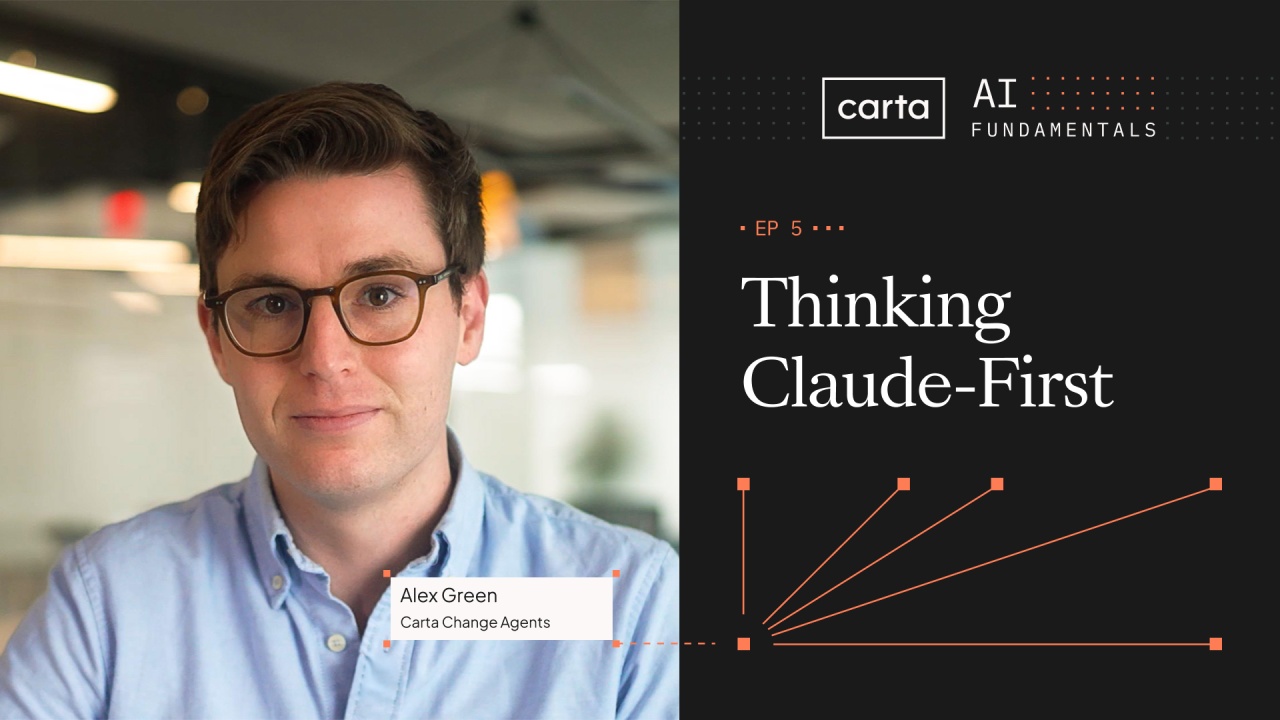
Learn how to rethink your workflows with Claude by starting with the result you want and working backward.
Key takeaways
- Define the result you need before designing the process
- Get it working, get it right, then get it efficient
- Lead by example as your team adopts Claude
Transcript
Here's the most common AI mistake we see at funds. A process that used to take five steps still takes five steps. It's just faster now. Claude was dropped into each step, but the underlying logic didn't change.
And that's not going to be enough to transform the way you work. Hi, I'm Alex, and I run our change agents program here at CardUp. This means I spend a lot of time on-site with our venture capital and equity customers, helping them embed AI into their day to day work. Our last video gave you a toolkit.
This video is about taking that new toolkit to the next level and rethinking how your firm actually operates. Here's what we'll cover. The digital recreation trap and how it ignores the power of agent loops. What Claude first thinking looks like in practice, and how to make the shift stick across your team.
Let's start with the trap. I was recently sitting with a CFO that had built a firm level dashboard across their funds. He built this by downloading dozens of CSVs from the Carta portal into a massive Excel workbook and gave it to Claude as an input. This took hours of manual work to get a static dashboard, and worse, he'll have to do it again every time the data changes.
Instead, we suggested a Claude first version. Here's a dashboard I've been building manually. Can you rebuild it as a live updating view using Carta data directly? Claude built it in ten minutes, and the client responded, you just blew my mind.
The difference is the question you start with, between trying to force AI into an existing workflow or reimagining that workflow from scratch. Let's discuss why this works by talking about agent loops. Most of the steps in a manual process today exist because of human limitations. The export, the copy paste, the reformatting, adding checksums to validate data, giving that inefficient process to Claude as a starting point is counterproductive.
Instead, give Claude data sources as inputs and very detailed desired outputs and tell it to validate its work at the end of a run. This lets Claude find its own path with its own capabilities. People instinctively want to tell Claude exactly what to do at each step in order, but that's asking Claude to follow a blueprint designed for a human, not an agent. This is the pattern for building in Claude.
But if you're constantly iterating on what you've built in Claude, here's a framework we use internally to help. Get it to work. We always start by getting it working. Use a small dataset, a single quarter, or one fund.
Get one successful output before you move on. It doesn't need to be a 100% accurate yet. You're proving out a use case. Get it right.
This is where some more effort comes in. Expand your skill or artifact to the full dataset, test your edge cases, and validate against a trusted baseline. If you find errors, ask Claude why or provide counterexamples. Don't move on until this step is solid.
Get it efficient. Most work doesn't need this step. It's only important if you're running it frequently. If you need to optimize for efficiency, ask Claude for some ideas how.
They'll often involve writing code using the math calculator as this is more token efficient and runs more quickly. We always tell people that you shouldn't necessarily expect to save time the first time you try something in fun, as there's often troubleshooting you need to do. But if you do it right, the third or fourth time you run something should be completely automated. We've taught you a lot in this video series, and you'll learn even more through practice.
But that doesn't automatically drive a firm wide shift. We've seen four things that work. One, leaders go first. Among our clients that use Claude the most, the power user is the CFO.
It's not the analyst. Visible use is permission, trust, and motivation. Teams aren't going to bother automating analysis in Claude if the CFO will never trust the output. Two, measure what matters.
At the end of every task, note how long it would have taken before Claude and share that delta with your team. Realizing that a day long task now takes twenty minutes drives motivation to automate the next task with Claude across the entire team. Three, hold regular show and tells. Learning AI is uneven.
We see users tend to perfect artifact creation before ever building a skill and vice versa. Our internal teams, including our execs, meet weekly to share what they built that week. More importantly, they share what they learned. Four, build a shared skills library.
Working in silos means your team never benefits from what you've built in Cloud. We suggest building a shared drive filled with skills and having the full team iterate while a skill is still in sandbox mode. Quick recap. Recognize the digital recreation trap, adding Claude to existing steps without using the agent.
Get Claude working, then get it right, and only then think about efficiency. And if you really want to transform your firm, drive adoption with leaders first, measuring what matters, show and tell, and a shared skills library. In the next video, we will show you what's with the Carta plugins, specific use cases that you can run this week. When you're ready, click below.
- The Word Calculator: A new way to think about AI
 2:32The Word Calculator: A new way to think about AI2:32
 - Making sense of AI vocabulary
 5:01Making sense of AI vocabulary5:01
 - Set up Claude for the way you work
 6:29Set up Claude for the way you work6:29
 - Prompts, skills, and repeatable workflows
 6:53Prompts, skills, and repeatable workflows6:53
 - Rethink how you work with Claude
 5:23Rethink how you work with Claude5:23
 - Run your fund with Carta in Claude
 10:11Run your fund with Carta in Claude10:11